

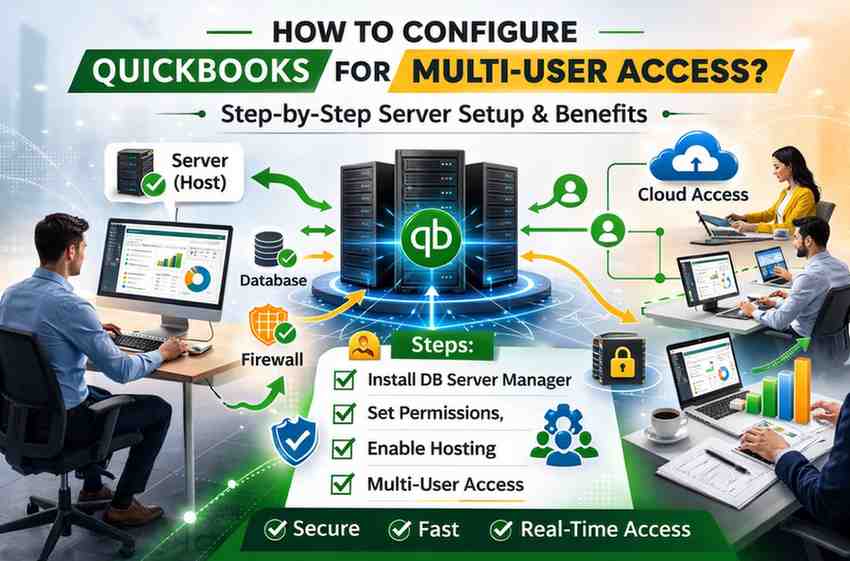
Configuring your QuickBooks server for multi-user access ensures stability, security, and operational continuity. At the same time, many organizations are shifting toward cloud quickbooks hositng to eliminate infrastructure limitations and reduce technical risk. This guide explains both the configuration process and the strategic importance behind it.
Why Multi-User Configuration Is Critical for Business Operations
Multi-user access is not just a technical feature it directly impacts financial efficiency. A properly configured system enables:
-
Simultaneous access to company files
-
Real-time financial data updates
-
Controlled user roles and permissions
-
Faster reporting and reconciliation
-
Reduced internal workflow bottlenecks
When configuration is incomplete or incorrect, businesses often encounter H202 errors, database server issues, or file locking conflicts. These problems delay reporting cycles, disrupt payroll processing, and compromise accounting accuracy.
For companies that depend on timely financial data, even minor configuration gaps can create operational risk.
Step-by-Step Guide to Configure QuickBooks Server for Multi-User Access
Setting up a stable multi-user environment requires careful attention to server configuration, file permissions, and network settings.
1. Install QuickBooks Database Server Manager
The QuickBooks Database Server Manager is the foundation of multi-user access.
-
Install it on the designated host computer (server system).
-
Ensure the installed version matches your QuickBooks Desktop edition.
-
Use the scan feature to index the folder containing your company (.QBW) files.
This tool enables network communication between workstations and the server. Without it, users cannot access files simultaneously.
2. Configure Proper Folder Permissions
Incorrect permissions are one of the most common causes of multi-user failure.
-
Locate the folder storing your company file.
-
Grant full control access to authorized users.
-
Confirm Windows sharing settings allow network access.
Permissions must be consistent across both local and network settings. Even if the database server is properly installed, restricted folder access can block connectivity.
3. Adjust Firewall and Port Settings
QuickBooks requires specific ports to communicate across systems.
-
Open required QuickBooks ports in Windows Firewall.
-
Create inbound and outbound rules for QuickBooks services.
-
Ensure antivirus programs are not blocking QuickBooks processes.
Firewall misconfiguration frequently triggers H202 or similar connectivity errors. Network-level restrictions must be carefully reviewed during setup.
4. Enable Multi-User Mode Correctly
Multi-user hosting must be configured precisely.
On the server:
-
Open QuickBooks.
-
Navigate to File > Switch to Multi-User Mode.
-
Confirm hosting is enabled only on the server machine.
On workstations:
-
Disable hosting mode to prevent configuration conflicts.
If hosting is enabled on multiple systems, users may experience access errors and performance instability.
5. Test Network Access and Stability
After configuration:
-
Open the company file from each workstation.
-
Log in simultaneously from multiple systems.
-
Monitor for file locking issues or sync delays.
If problems arise, recheck database services, network latency, and firewall settings.
Common Challenges in Traditional Multi-User Environments
Even with correct configuration, on-premise setups have inherent limitations:
-
Dependency on local hardware
-
Risk of server failure
-
Network interruptions causing data corruption
-
Ongoing IT maintenance requirements
-
Performance lag as user count increases
As businesses grow, these constraints become more pronounced. Expanding teams require higher processing power and stable remote access capabilities often beyond what local infrastructure can deliver.
How Cloud QuickBook Hositng Enhances Multi-User Performance
Rather than maintaining a physical server, cloud quickbook hositng moves your QuickBooks environment to a secure remote data center.
This shift provides structural advantages:
-
Centralized access from any location
-
Enterprise-grade security protocols
-
Automatic data backups
-
Reduced dependency on in-house IT
-
High uptime reliability
-
Scalable infrastructure as user demand increases
With cloud quickbook hositng, server optimization, firewall configuration, and performance monitoring are managed by the hosting provider. This significantly reduces technical complexity and minimizes the risk of downtime.
Strategic Importance for Growing Businesses
As organizations expand, financial workflows become more complex. Multi-location operations, remote accounting teams, and higher transaction volumes demand stable access.
Configuration failures can directly affect:
-
Cash flow tracking
-
Vendor payment cycles
-
Payroll processing
-
Financial reporting accuracy
-
Compliance and audit readiness
A properly structured multi-user environment ensures uninterrupted accounting operations. For companies experiencing growth, cloud quickbook hositng provides a scalable framework that supports increasing operational demands without requiring new hardware investments.
Risk Mitigation and Business Continuity
Data integrity is a strategic asset. Server misconfiguration increases exposure to:
-
Data loss during power failures
-
File corruption from network instability
-
Security vulnerabilities
-
Extended downtime during system crashes
Cloud-based infrastructure typically includes automated backup systems, disaster recovery protocols, and advanced encryption measures. This strengthens business continuity planning and reduces operational exposure.
Conclusion
Configuring your QuickBooks server for multi-user access requires structured setup across database services, folder permissions, firewall rules, and hosting settings. When done correctly, it enables seamless collaboration and improves accounting efficiency.
However, traditional on-premise systems require ongoing maintenance and carry infrastructure risks. For businesses seeking higher reliability, scalability, and security, cloud quickbook hositng offers a modern alternative that simplifies multi-user access while reducing operational complexity.
Ultimately, the goal is not just technical configuration it is ensuring uninterrupted, secure, and efficient financial management as your business grows.