
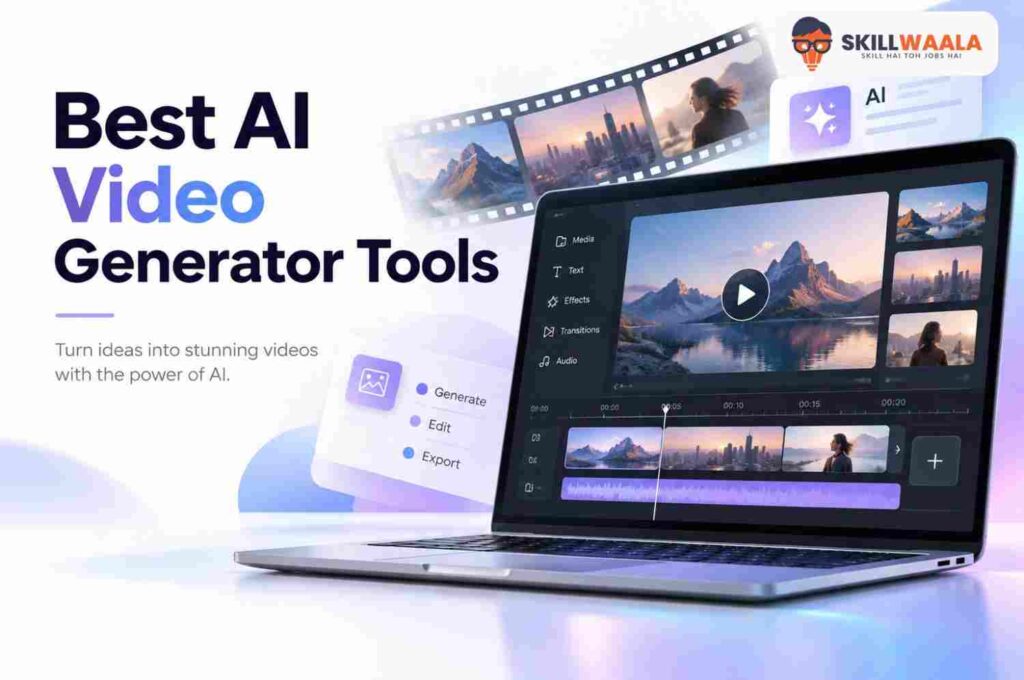
Video content has become an essential part of online communication. Businesses use videos to introduce products, educators create visual lessons, and content creators share ideas through short clips and tutorials. However, producing quality videos can require editing skills, expensive software, and considerable time.
For beginners and small businesses, finding an affordable way to create videos is often a priority. Modern video creation platforms provide practical options for turning ideas into visual content without requiring advanced editing knowledge. A free ai video generator can be a useful starting point for people who want to experiment with video production while keeping their expenses under control.
What Is a Free Video Creation Tool?
A free video creation tool allows users to produce or edit videos without paying for basic access. Depending on the platform, users may be able to create short clips, combine images, add text, include music, or use ready-made templates.
Some platforms also offer features that transform written descriptions or photographs into video sequences. These capabilities can make video production more accessible to individuals who have limited experience with traditional editing software.
Free access does not always mean unlimited usage. Certain platforms restrict video length, export quality, monthly credits, or access to advanced features. Understanding these limitations before starting a project can help users avoid unexpected difficulties.
How Video Creation Platforms Can Simplify Content Production
Traditional video production involves several stages, including planning, recording, editing, and finalising the footage. Each stage requires attention and may involve additional expenses.
Modern video creation platforms can simplify some of these tasks by providing ready-to-use templates, automated editing options, and visual effects. Users can focus more on their ideas instead of spending excessive time learning complicated editing techniques.
For example, a small business owner could prepare a short promotional video using product photographs and written descriptions. A teacher might develop an educational clip using images, text, and narration. Social media creators can also experiment with different formats to produce content for their audiences.
These applications make video creation useful for a wider range of people, not just professional editors.
Important Features to Consider Before Choosing a Platform
Selecting a suitable video creation platform requires more than checking whether it offers free access. The available features should match the purpose of your project.
Text-to-Video Creation
Some platforms allow users to provide a written description and generate a video based on the supplied instructions. This feature can help people develop visual concepts without recording every scene themselves.
The quality of the output depends on the platform and the clarity of the description.
Image Animation
Image animation allows users to add movement to still photographs. It can be useful for product presentations, promotional graphics, travel photographs, and creative storytelling.
However, the movement should look appropriate for the subject. Excessive animation may distract viewers from the main message.
Editing and Customisation
Basic editing options such as trimming clips, adjusting timing, adding text, and changing backgrounds are valuable for creating polished videos.
Look for platforms that allow sufficient control over the final result. Editing flexibility becomes particularly important when preparing content for different audiences.
Export Quality and Video Formats
Before creating a video, check the available export resolutions and file formats. Some free plans may limit resolution or include watermarks.
These restrictions can affect how the video appears on websites, social media platforms, or presentation screens.
Practical Uses for Different Types of Users
Video creation tools can support a variety of professional and personal activities.
Small businesses: Promotional videos can introduce products, explain services, and communicate important information to potential customers.
Content creators: Short videos, tutorials, and visual stories can help maintain a consistent publishing schedule.
Educators: Visual explanations can make lessons more engaging and help students understand complex topics.
Freelancers: Video samples and presentations can help demonstrate services, creative ideas, and completed projects.
Individuals: Personal photographs, travel memories, and special occasions can be transformed into shareable video presentations.
A free ai video generator may be particularly useful for users who want to explore these applications before investing in paid software.
Tips for Getting Better Results
Good video production begins with a clear purpose. Before opening an editing platform, decide what the video should communicate and who will watch it.
Keep the following points in mind:
-
Write a clear description of the scenes or content you want to create.
-
Use high-quality images and relevant visual materials.
-
Keep text short enough for viewers to read comfortably.
-
Choose music and effects that suit the subject.
-
Review the complete video before publishing.
-
Check the platform’s export restrictions and usage permissions.
It is also helpful to compare several platforms rather than relying on the first option you discover. A tool that works well for short promotional clips may not be suitable for longer educational videos.
Understanding the Limitations of Free Plans
Free video creation platforms can provide useful features, but they may not meet every requirement.
Some services limit the number of videos users can create, while others restrict access to premium templates, higher resolutions, or commercial usage rights. Watermarks may also appear on exported videos.
For business projects, reviewing licensing terms is particularly important. Make sure the platform permits your intended use of the video, especially when creating advertisements or promotional material.
Users should also keep copies of their original images, scripts, and completed videos. This makes it easier to revise content or move to another platform when necessary.
Final Thoughts
Video production does not always require expensive equipment or professional editing experience. The right platform can help beginners, businesses, and creators develop engaging visual content while managing their budgets.
A free ai video generator offers an opportunity to explore different creative approaches, test video concepts, and understand which features are most useful for individual projects.
Before choosing a platform, consider your content requirements, editing preferences, export quality, and available free features. Taking time to compare these factors can help you find a suitable solution and create videos that communicate your ideas effectively.

Leave a Reply
You must be logged in to post a comment.