

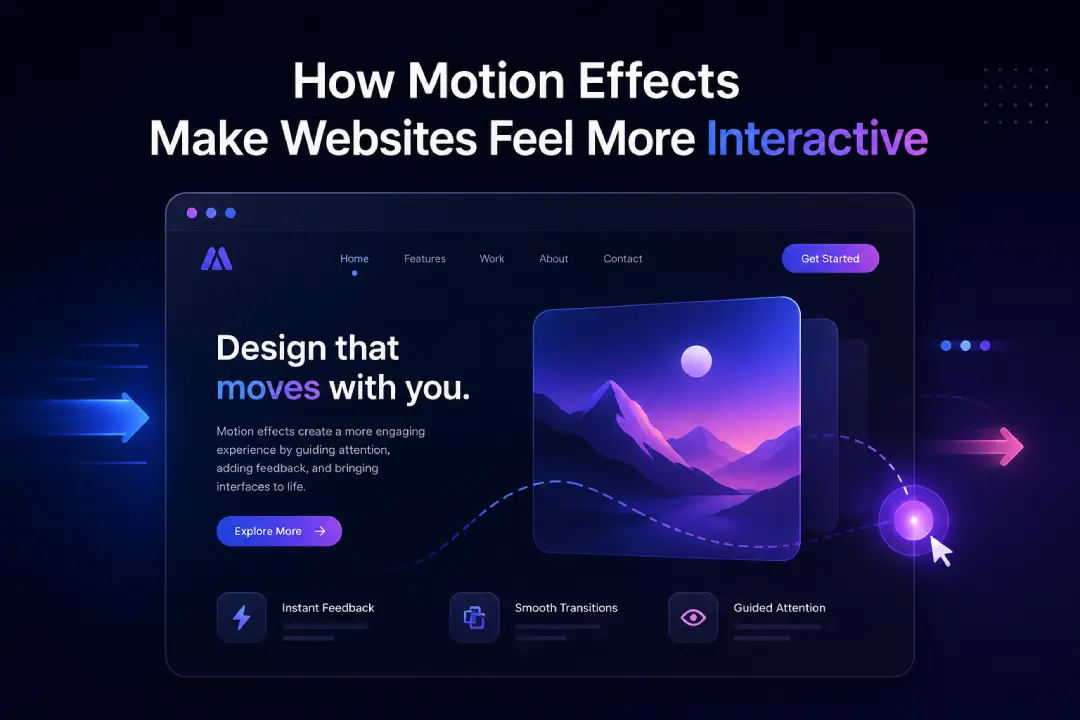
Modern websites are no longer static pages. Users expect a dynamic experience that responds to their actions. One of the key elements that makes a website feel alive is motion effects. These are small animations and transitions that guide users, provide feedback, and improve overall interaction.
Motion effects are not just about visual appeal. When used correctly, they improve usability, clarity, and engagement. They help users understand what is happening on the screen and make navigation feel smooth and natural.
This article explains how motion effects make websites feel more interactive and why they are important in modern web design.
Motion effects refer to animations and transitions used within a website.
These include:
These elements respond to user actions and create a more engaging experience.
Interaction is a key part of user experience.
Static websites provide information, but interactive websites create engagement.
Users expect websites to respond when they click, scroll, or hover.
Motion effects help meet these expectations.
One of the main benefits of motion effects is feedback.
When a button changes color or moves slightly on hover, users know their action is recognized.
Feedback helps users feel confident that the website is working properly.
This improves trust and usability.
Motion effects can direct user focus.
Animations can draw attention to key sections such as:
Motion can guide users from one section to another.
This helps users navigate the website more easily.
Navigation becomes smoother with motion.
Page transitions and scrolling effects create a seamless experience.
Sudden changes can feel confusing. Motion softens these transitions.
This makes the website feel more natural.
Motion effects can support content presentation.
Content can appear gradually as users scroll.
Animations can make content more interesting and easier to follow.
This improves user engagement.
Microinteractions are small motion effects triggered by user actions.
These small details make the website feel responsive and interactive.
They also improve user satisfaction.
Motion effects influence how users feel.
Smooth animations create a pleasant experience.
Clear feedback and transitions reduce confusion.
Positive emotions encourage users to stay longer.
Motion can reflect a brand’s personality.
Using similar motion styles across the website strengthens branding.
Thoughtful animations make the website memorable.
This helps users connect with the brand.
Motion effects can make websites feel faster.
Spinners and skeleton screens show progress while content loads.
Animations reduce the feeling of waiting.
This improves perceived speed and user satisfaction.
While motion effects are useful, too much can create problems.
Excessive animations can overwhelm users.
Heavy animations can slow down the website.
Motion should support usability, not distract from it.
A simple and thoughtful approach works best.
Motion effects should work well on all devices.
Animations should not affect loading speed on mobile devices.
Motion should respond well to taps and gestures.
Mobile optimization ensures a consistent experience.
Not all users respond well to motion.
Some users prefer minimal animations.
Options to reduce or disable motion improve accessibility.
Inclusive design ensures a better experience for everyone.
Motion effects require proper implementation.
Using lightweight animations ensures smooth performance.
Technologies like CSS animations and JavaScript libraries help create motion effects.
Proper implementation is key to success.
Creating effective motion effects requires experience.
A professional web designing company in kochi focuses on:
These factors help create interactive websites without affecting performance.
Real-world experience helps identify what works best.
Experienced teams understand:
Companies like Inter Smart have worked on various web projects, helping them understand how motion effects can improve interaction while maintaining simplicity and clarity.
Using motion effects correctly offers several benefits.
Users are more likely to interact with dynamic websites.
Smooth transitions and feedback improve usability.
Interactive elements encourage users to take action.
These benefits support overall website performance.
Motion effects play an important role in making websites feel interactive and engaging. They provide feedback, guide users, and improve the overall experience. From small microinteractions to smooth transitions, every detail contributes to how users interact with a website.
When used carefully, motion effects enhance usability without causing distraction. They help users feel connected to the website and make navigation more intuitive.
In modern web design, interaction is essential. Motion effects, when applied with balance and purpose, can turn a simple website into a dynamic and engaging experience that supports user satisfaction and business growth.
Submit guest articles that reach decision-makers, influencers, and professionals. Yarabook offers a trusted platform for quality content, strong backlinks, and SEO-driven visibility. Pay. Publish. Promote.